Quick Answer
Choosing the best restaurant POS system in 2026 is not just about picking a screen, a card reader, or the cheapest monthly plan. It is about choosing the system your team will rely on when orders are moving, the kitchen is full, and every minute of service matters.
The pressure is real. In a 2026 restaurant readiness report, 49% of surveyed U.S. operators said equipment downtime caused revenue loss, and 24% estimated disruption losses between $1,001 and $5,000 per hour. Labor also remains one of the largest operating costs, with full-service restaurants reporting a median labor cost share of 36.5% of sales in the latest National Restaurant Association operations data.
Payment costs matter too. Credit card processing fees commonly fall around 1.5% to 3.5% per transaction, which means the POS decision affects more than checkout speed. It affects margin, staff time, kitchen flow, reporting, security, and how much manual cleanup your managers have to do after close.
Sources: MachineQ / Comcast 2026 Restaurant Readiness Report, National Restaurant Association 2025 Operations Data Abstract commentary, NerdWallet 2026 processing fees guide.
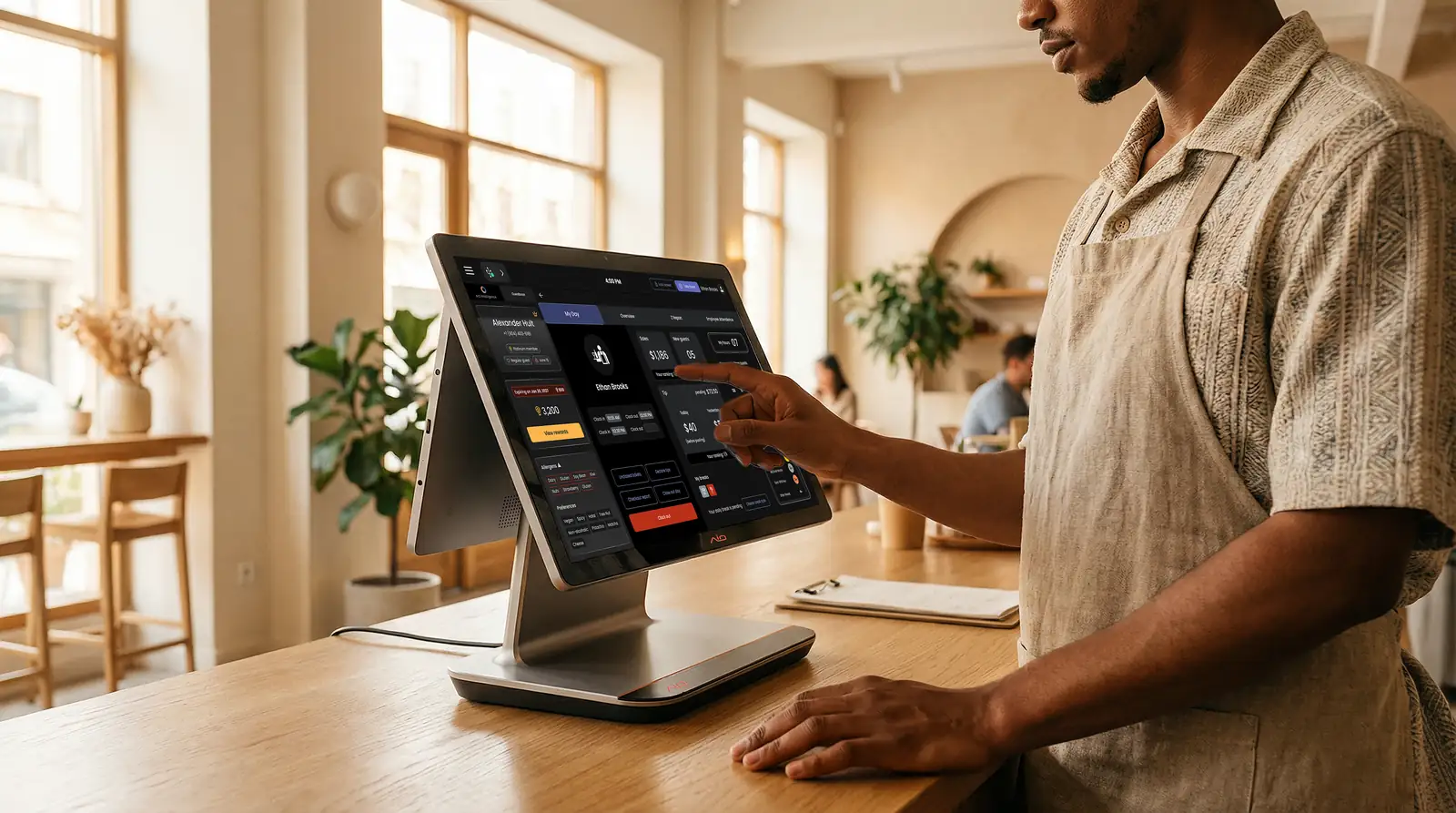
A restaurant point-of-sale (POS) system combines the software and hardware used to take orders, process payments, manage menus, route kitchen tickets, and report on restaurant operations. The right one should fit your restaurant’s actual service flow, not just look good in a demo.
Why the POS Decision Matters More Than It Used To
A restaurant POS used to mean a register, card reader, and maybe a kitchen printer. That is no longer enough. Today, the POS is where dine-in orders, online orders, third-party delivery, QR ordering, kiosks, payments, labor data, menu updates, and end-of-day reporting all meet.
Most POS problems do not show up during the sales demo. They show up when the line is building, delivery orders are still coming in, and a manager is trying to close the day with numbers that do not match. If staff have to re-enter orders, update menus in several places, or call support during dinner, the system is not just inconvenient. It is taking time away from service.
That is why the POS decision should stay close to the daily operation. The right system should help your team move faster, keep the kitchen clear, protect payment data, and give managers reports they can actually use. The wrong one adds small problems to every shift until they become normal .
A POS should not only process payments. It should make the restaurant easier to run when the team is busy, the costs are high, and there is no time to fix disconnected systems mid-shift.
What a Modern Restaurant POS System Should Do
A good POS should make the restaurant easier to run from both sides of the counter. Your staff should be able to enter an order quickly. The kitchen should see the right ticket at the right station. The guest should be able to pay without friction. The manager should see what happened without pulling reports from five places.
The restaurant POS category has moved beyond checkout. Modern systems now sit between ordering, payments, kitchen flow, menu control, guest data, staff workflows, and reporting. That shift is important because every extra dashboard creates another place for orders, numbers, or menu updates to fall out of sync.
In practice, most U.S. operators need the same core workflows to stay connected:
- Order entry: Counter, tableside, QR, kiosk, and online orders should feed into one system.
- Payments: Card, tap, wallet, refunds, split checks, and tips should be simple for staff to handle.
- Kitchen flow: Orders should route cleanly to the KDS or printers, with modifiers and timing easy to read.
- Menu sync: One change should carry across the POS, QR ordering, online ordering, and any connected guest-facing menu.
- Reporting: Sales, labor, menu performance, and payment totals should reconcile without manual cleanup.
- Reliability: The system should keep service moving during a rush and have clear fallback behavior if the internet drops.
That is why this article stays focused on choosing, not just describing. A modern POS should be judged by how well it supports the real shift: more order channels, tighter labor, higher costs, and less room for manual cleanup.
Restaurant POS Feature Checklist
Feature lists can get long fast, so start with the pieces that affect service, margin, and manager time. A system can look impressive in a demo and still fail if the wrong features are missing or locked behind costly add-ons.
| Feature | Why it matters | What to ask in the demo |
|---|---|---|
| Fast order entry | Staff need to move through modifiers, combos, discounts, and special requests without slowing the line. | Can a new cashier learn the core flow in one shift? |
| KDS and kitchen routing | The kitchen needs clear tickets by station, not messy handoffs or duplicate printers. | Can you route dine-in, kiosk, QR, online, and third-party orders into the same kitchen flow? |
| Menu management | Restaurants change prices, 86 items, update modifiers, and run limited-time offers often. | Does one menu update publish everywhere, or do we update each channel separately? |
| Online ordering | Direct ordering protects repeat guest data and reduces dependence on marketplaces. | Do direct orders go straight to the POS and KDS without staff re-entry? |
| Offline mode | Internet issues happen during service. The question is what keeps working when they do. | Can we place orders, print tickets, and take payments offline? What are the limits? |
| Reporting | Sales, labor, tips, payments, and order channels should close cleanly. | Can we see sales by channel, item, location, labor hour, and daypart? |
| Security and compliance | Payment data, user permissions, and audit trails are not optional. | How is PCI compliance handled? Are payments encrypted and tokenized? |
Payment security belongs in this checklist because the POS is where orders meet card data. Ask each vendor how it handles encryption, tokenization, user permissions, updates, PCI scope, and merchant responsibilities. The PCI Security Standards Council lists PCI DSS v4.0.1 as a current standard resource and describes its document library as support for safe handling of cardholder information at every step.
What a Restaurant POS System Actually Costs
The base subscription is not the full POS cost. Use the table below to estimate the real monthly and upfront spend before you compare vendors.
| Cost layer | Planning range | What to verify before signing |
|---|---|---|
| Software | $40-$400+/month depending on size, vendor, and plan | Which features are included in the base plan and which are locked behind higher tiers. |
| Hardware | $500-$2,000+ upfront for common restaurant setups; more with kiosks or many handhelds | Whether devices are purchased, leased, financed, proprietary, or reusable if you switch. |
| Payment processing | Often around 2%-3.5% per card transaction, plus possible per-transaction fees | The effective rate for in-person, online, manual-entry, card-on-file, refunds, and chargebacks. |
| Implementation | $0-$2,000+ depending on migration, menu buildout, training, and rollout support | Who builds the menu, trains the team, migrates data, and supports launch week. |
| Add-ons | $20-$300+/month per tool or feature category | Whether KDS, online ordering, loyalty, inventory, payroll, reports, and integrations are included or separate. |
| Contract terms | Varies by provider | Term length, auto-renewal, cancellation fees, rate changes, and data export rules. |
These are planning ranges, not vendor quotes. Actual pricing depends on restaurant size, terminals, payment volume, support level, and add-ons. See Investopedia’s POS cost overview and Food & Wine’s reporting on restaurant card fees for broader context.
Choose Based on Restaurant Type, Not Just Feature Count
The best restaurant POS system is not the same for every operation. A food truck, a high-volume QSR, and a full-service restaurant may all need payments and reporting, but the daily pressure points are different.
Mobility and offline backup
Prioritize fast setup, mobile payments, simple menus, and clear offline payment rules.
- ✓ Tablet or handheld setup
- ✓ Quick menu edits
- ✓ Reliable offline behavior
Speed and order volume
Look for quick order entry, KDS routing, kiosks, upsells, and online orders in one flow.
- ✓ Fast modifiers
- ✓ Kiosk and KDS support
- ✓ Clear channel reporting
Direct ordering and loyalty
Focus on menu sync, guest data, loyalty, direct ordering, and easy repeat ordering.
- ✓ Online ordering sync
- ✓ Loyalty and CRM
- ✓ Menu updates everywhere
Floor flow and payments
Tableside ordering, coursing, split checks, tips, and pay-at-table matter more here.
- ✓ Split checks and tips
- ✓ Server permissions
- ✓ Table and check management
This is the real filter: do not choose the system with the most features. Choose the one that fits the pressure points of your restaurant type, then make the vendor prove it inside your actual service flow.
Questions to Ask Every POS Vendor Before You Sign
A polished demo can make every platform look easy. Your job is to make the demo messy enough to reveal what will happen during real service.
- What happens if the internet goes down? Ask what still works offline: order entry, card payments, kitchen printing, receipt printing, and sync after reconnection. Get the answer in writing, including any limits by device, payment method, or service length.
- Can every order channel land in one kitchen flow? Test dine-in, kiosk, QR, online ordering, and third-party orders. If the answer involves another tablet, ask how staff avoid missed tickets.
- How are menus updated? Ask whether one change updates the POS, KDS, kiosk, QR menu, online ordering page, and third-party channels.
- What is included in the price? Ask for base software, hardware, payment processing, KDS, online ordering, loyalty, marketing, inventory, payroll, reporting, implementation, and support.
- Can we export our data if we leave? You should know how to export menus, customer data, sales data, labor data, and reports before signing.
- Which tools are native, and which are third-party add-ons? Ask this before comparing price. A platform may advertise ordering, inventory, payroll, loyalty, and reporting, but the daily experience depends on whether those tools share data or simply connect through separate integrations.
- What support is available during service? Weekend and late-night support matters because restaurant problems rarely happen at convenient times.
The Saturday Night Test
Before choosing a restaurant POS system, run one simple test: make the vendor walk through your busiest service scenario, step by step. Do not let the demo stay in a clean, perfect order flow.
Run This in Every Demo
A practical stress test for real restaurant conditions.
Enter a complex order with modifiers.
Send it to the right kitchen station.
Add an online order at the same time.
86 one item and update the menu.
Split the check and apply a comp.
Drop the internet connection.
Close the shift and check reports.
This test helps separate a good presentation from a good operating system. It also gives your team a chance to spot small friction points before they become daily problems.
Final Thoughts
The best restaurant POS system is the one that fits the way your restaurant actually runs. It should be easy for staff, clear for the kitchen, reliable during service, transparent on cost, and useful when you are looking at labor, sales, payments, and menu performance after close.
Do not let the buying process become a feature race. Start with your busiest shift, your current order channels, your real hardware needs, and the reports your managers depend on. Then ask each vendor to show exactly how the system handles that reality.
Before you sign, run the Saturday Night Test, get the full 12-month cost in writing, confirm what happens offline, and make sure you can export your data if you ever leave.
"The right POS does not call attention to itself. It helps the team move, keeps the numbers clean, and gives the operator one less thing to chase at the end of the night."
Frequently Asked Questions
What is the best restaurant POS system in 2026?
The best POS depends on your restaurant type, service flow, order channels, budget, and growth plans. For most operators, the strongest choice is the system that keeps orders, payments, kitchen workflow, menu updates, staff data, and reporting connected without heavy manual work.
How much does a restaurant POS system cost?
Costs vary by vendor and setup, but operators should budget beyond the software subscription. As a planning range, software can run from about $40 to $400+ per month, hardware can add $500 to $2,000+ upfront, and payment processing often takes roughly 2% to 3.5% per card transaction. KDS, online ordering, loyalty, inventory, payroll, support, and contract terms can change the real number.
Should a restaurant POS include online ordering?
Yes, for most restaurants. Online orders should flow directly into the POS and kitchen workflow. If they arrive on a separate tablet, staff have to manage another system during service and may need to reconcile orders manually later.
What is the most important POS feature?
Reliability comes first. After that, ease of use, kitchen routing, menu sync, reporting, and support matter most. A system with many features is not helpful if staff cannot use it quickly during a rush.
Is cloud POS better for restaurants?
Cloud POS can make remote access, updates, reporting, and multi-location management easier. But the real test is offline behavior, support, security, and whether the platform keeps your operation running when service is busy.
Disclaimer
This article is for informational purposes only and does not constitute legal, financial, or compliance advice. Product features, pricing, and terms are subject to change. Verify details directly with each vendor. Third-party names and products are referenced for context only and do not imply endorsement or affiliation unless explicitly stated.